Every kind of plan, one timeline
Flights, stays, transport, dining, activities, concerts, car rentals and more. Each one asks only for what it actually needs, then slots into a day-by-day timeline that reads like a real itinerary.
Turistico
Local-first trip planner
Flights, hotels, dinners, tickets, and all the paperwork that comes with them, gathered in one plan that reads like an itinerary and works with no signal at all.
What's inside
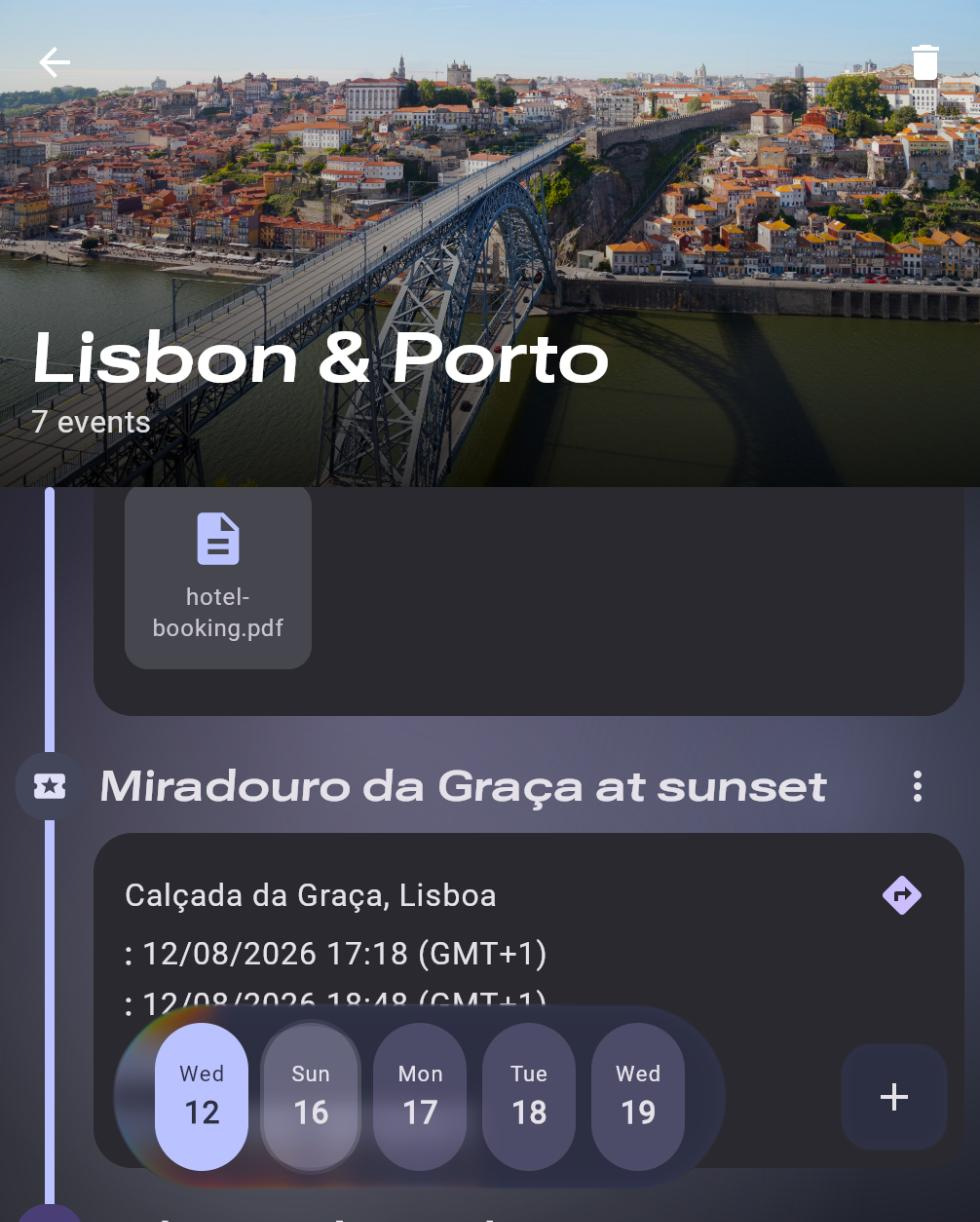
Not a note-taking app with dates bolted on. Every kind of booking has its own shape, its own fields and its own place on the day.
Flights, stays, transport, dining, activities, concerts, car rentals and more. Each one asks only for what it actually needs, then slots into a day-by-day timeline that reads like a real itinerary.
Boarding passes, booking PDFs, confirmation screenshots. Pin each one to the event it belongs to and it stays on the device, ready to open at the gate whether or not there's a bar of signal.
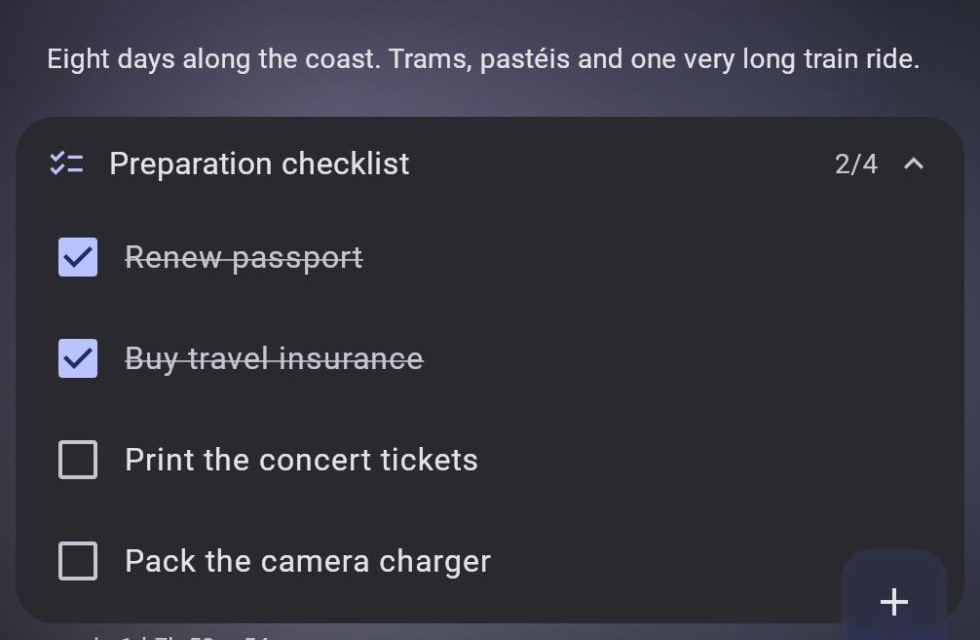
Renew the passport, buy insurance, print the tickets. The preparation list lives with the trip and shows what's left as departure gets closer.
Every event stores the time zone at each end of it, the departure airport's and the arrival airport's, so a red-eye still lands on the right day and a 23:55 departure never jumps to tomorrow.
The hotel, the restaurant, the rental desk: each one carries its own address, and one tap hands it to whichever map app you already use.
"Ask for the corner table." "Gate opens 2h early." "Full-to-full fuel policy." Notes sit on the event they belong to instead of in a separate app you'll forget to open.
Before you leave
Renewing a passport, buying insurance, printing the tickets you'll be asked for at the door: none of it belongs on a day of the itinerary, and all of it has a deadline. The preparation checklist lives on the trip, with due dates of its own and a count of what's left.
How it works
A name and the dates. That's the whole setup, no account and no onboarding.
Drop in each flight, stay and reservation as it's confirmed, and attach the file that came with it.
Install it on your phone, close the tab, get on the plane. Everything is already there.
Local-first, not just private
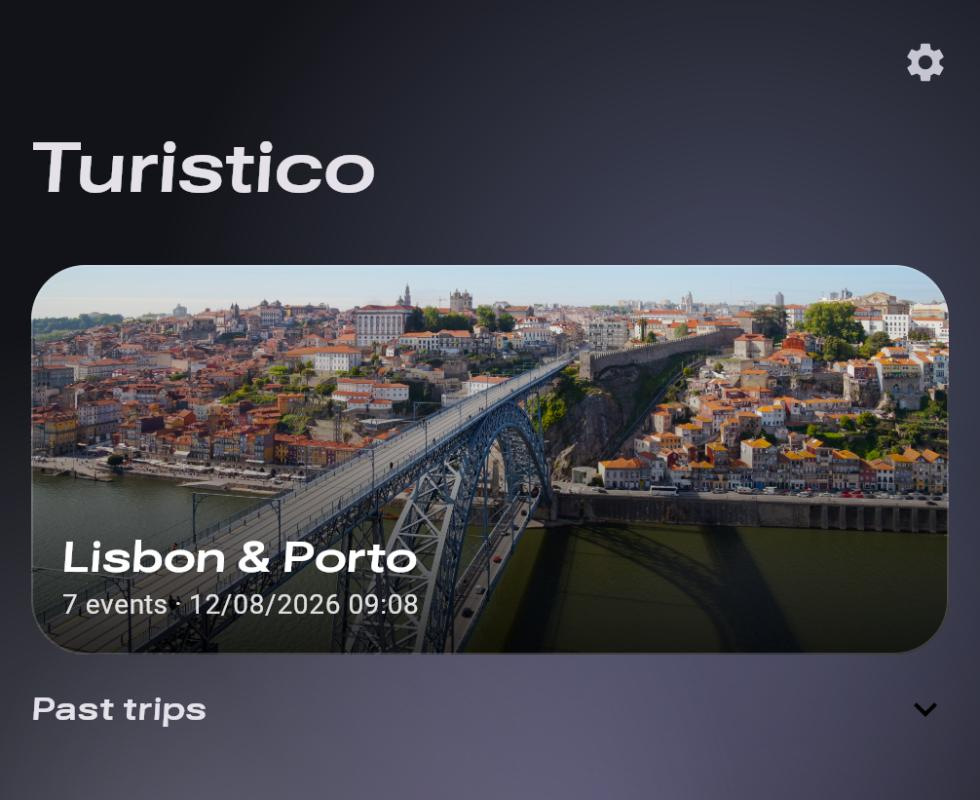
Turistico writes everything to a database on this device and stops there. There's nothing to sign up for, nothing syncing in the background, and no analytics reading what you plan. Your itinerary is not somebody else's dataset.
.turistico file and open it on another device, or hand it to whoever you're travelling with.Runs where you do
One codebase, two places to run it, and a trip file that opens on either one.
What the button above opens. Nothing to install, and if you want it on your home screen, it installs like a native app and keeps working offline.
Everything the browser build does, plus the three things a browser can't: event reminders, the photo journal, and sharing a booking email straight into a trip.
It opens empty, and it opens instantly. No sign-up, nothing to cancel later.
Opening Turistico…